
FAQ & Contact
Help Center
Everything you need to know about your watch faces — and how to reach a person when you need one.
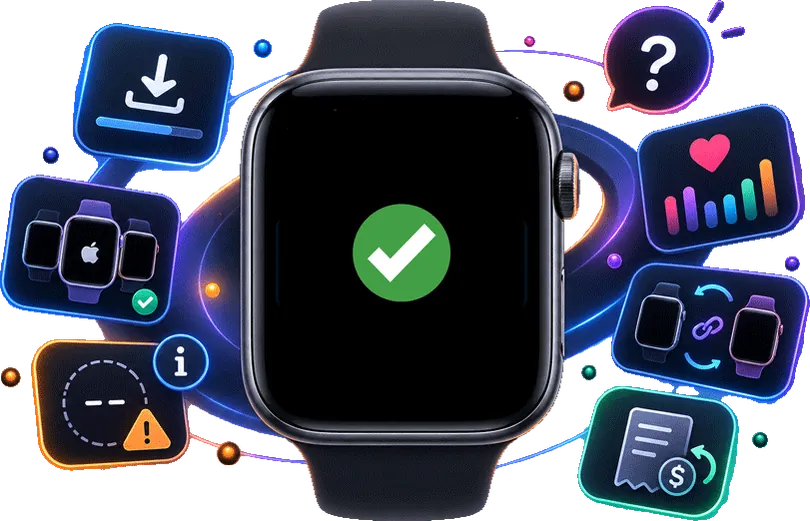
Frequently Asked
Questions
How do I install a watch face?
- Open Chronoix on your iPhone and buy the dial you want.
- Tap Install. Chronoix builds the face and sends it to your Apple Watch.
- On your watch, press and hold the current face, then swipe to the new one.
Your iPhone and Apple Watch need to be within Bluetooth range of each other while the face is sent.
If it doesn't go through, the full installation guide covers a black face, a stuck install and dashes in a complication.
Which Apple Watch models work with Chronoix?
Apple Watch Series 7 and later, including Ultra and SE.
One exception: on Apple Watch SE, Apple does not offer Modular Duo — the face with two rectangular slots at the bottom and a round one at the top left — so dials built on it cannot be installed there. Every other dial works.
Keep watchOS on the latest version.
Why does a value show a dash instead of a number?
A dash means Chronoix has no reading for that category — almost always because Health access for it is off.
On your iPhone: open Health, tap your profile picture, then under Privacy open Data Access & Devices and tap Chronoix. Turn the categories you want back on.
Chronoix shows a dash rather than a stale number on purpose: an old reading presented as current is worse than no reading.
What Health data does Chronoix read?
Only the categories the dials you installed actually display — steps, heart rate, energy, exercise and stand time, distance, sleep-adjacent metrics like respiratory rate, and mobility and hearing figures, among others.
The exact list is inside the app, and it is generated from the app's own code rather than written by hand: open Chronoix, then Settings › Permissions › Apple Health. That screen also shows whether readings are arriving and how to change access.
All of it is read on your iPhone and Apple Watch and drawn on the watch face. It is never uploaded to Chronoix. The full detail is in the Privacy Policy.
I bought a dial. Can I install it on a second Apple Watch?
Yes. A purchase belongs to your Apple Account, not to one watch. Install it on each watch from the same iPhone, one at a time.
Changed iPhone? Open Chronoix and use Restore Purchases. Nothing is bought twice.
How do I get a refund?
Apple handles every payment for Chronoix, so refunds go through Apple. Request one at reportaproblem.apple.com.
Whether a refund is granted is Apple's decision, not ours — we cannot issue one directly. If something is broken, though, write to us first: we would rather fix it.
Designed for
Apple Watch
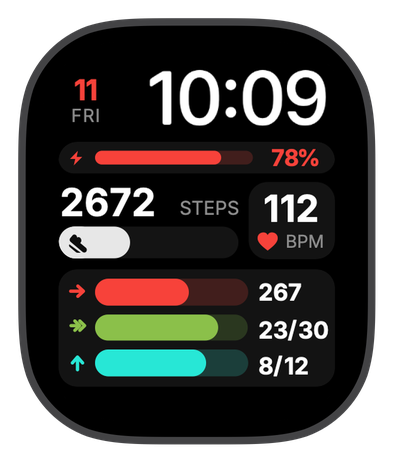
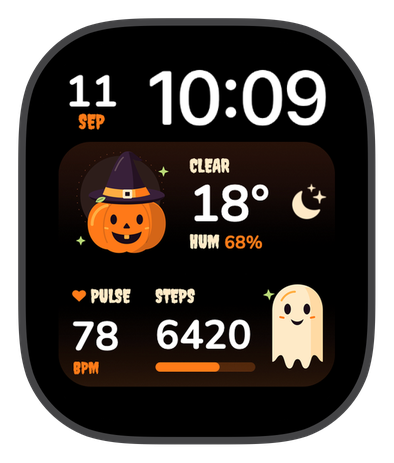
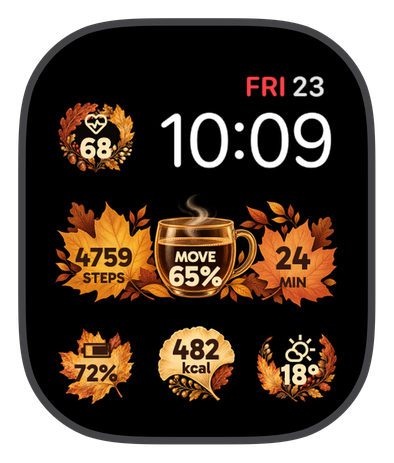
Watch faces drawn for the shape of your watch, that read your Health data without ever uploading it.
Contact Us
For technical support or anything else about Chronoix, write to us below.