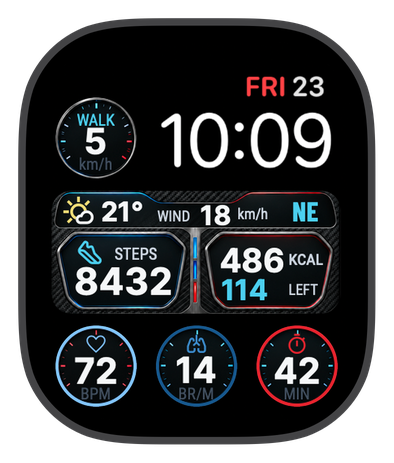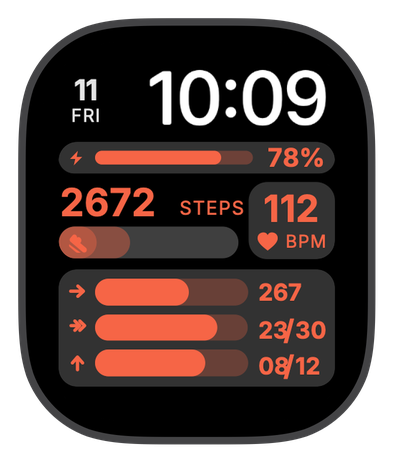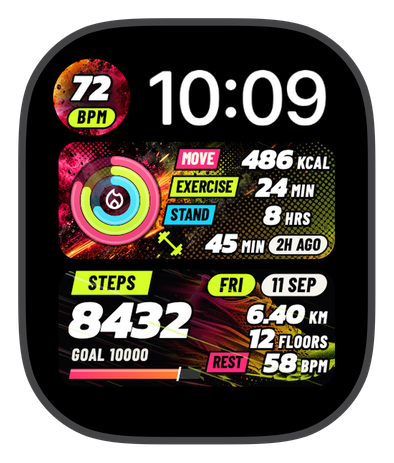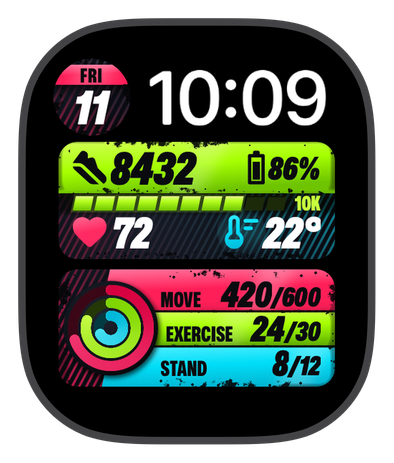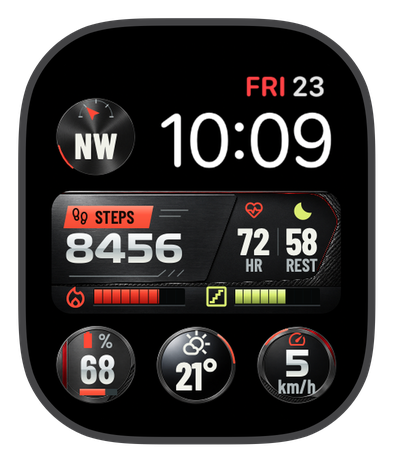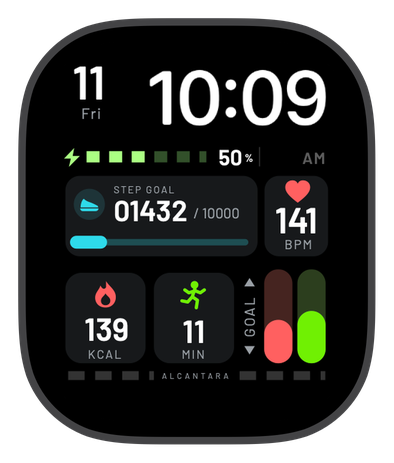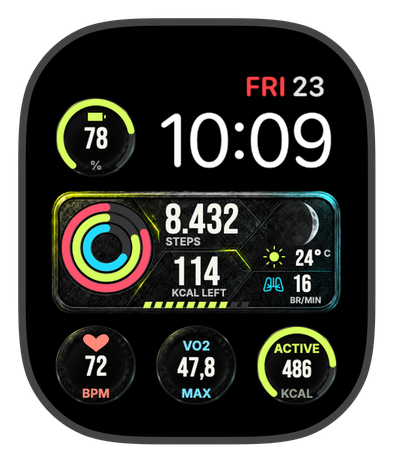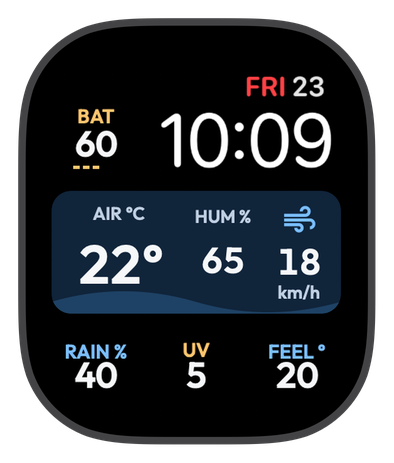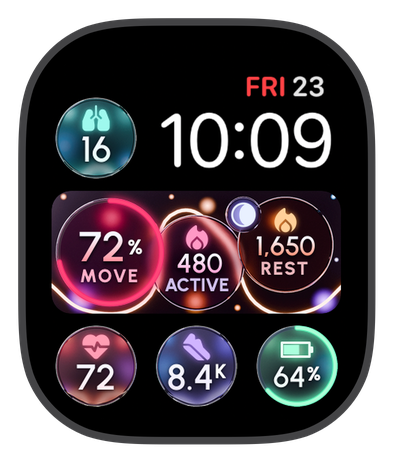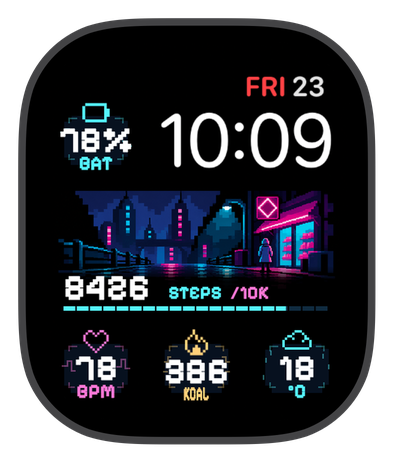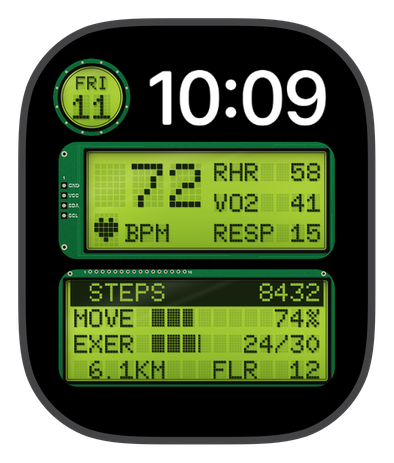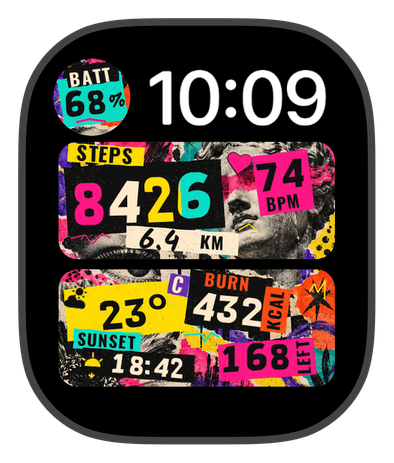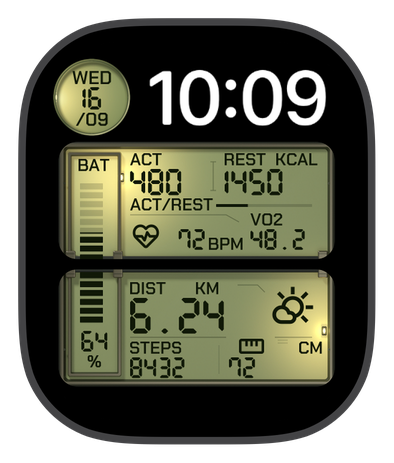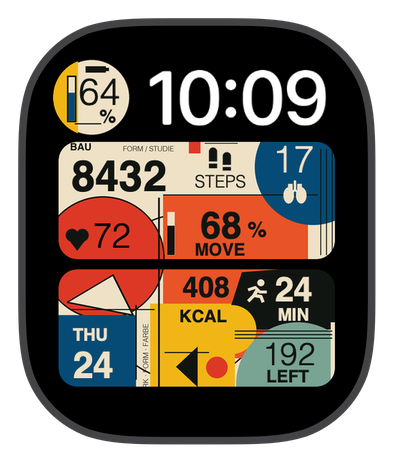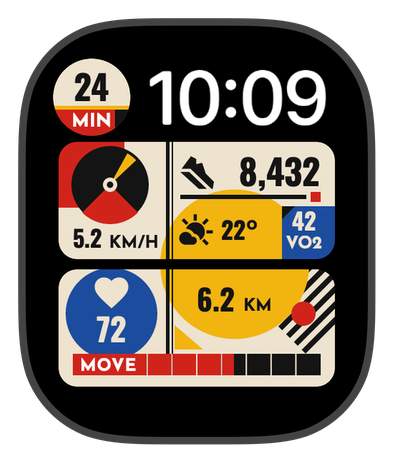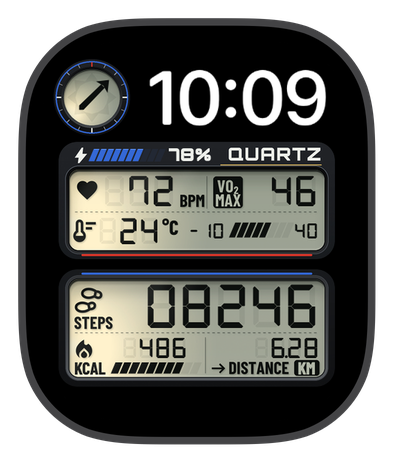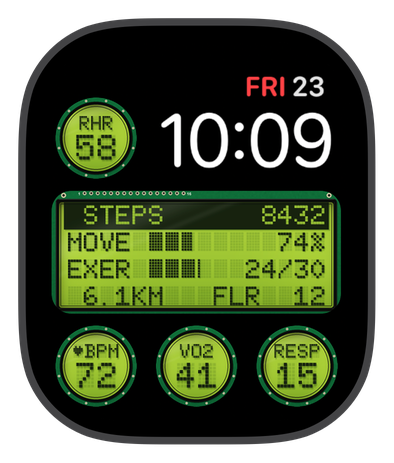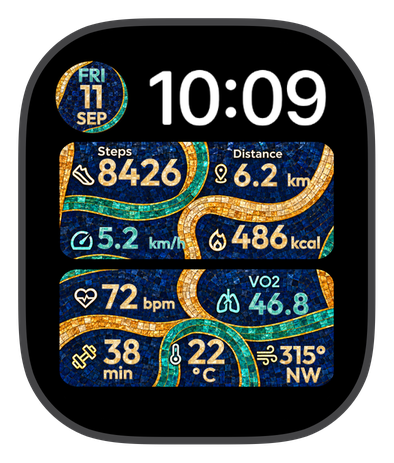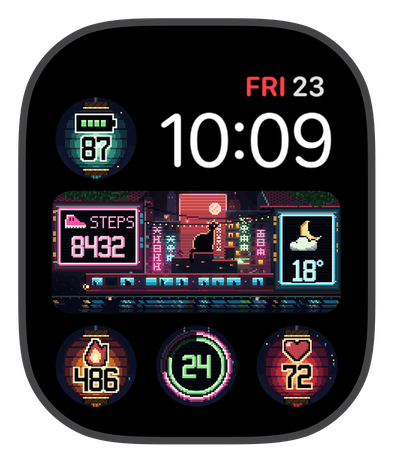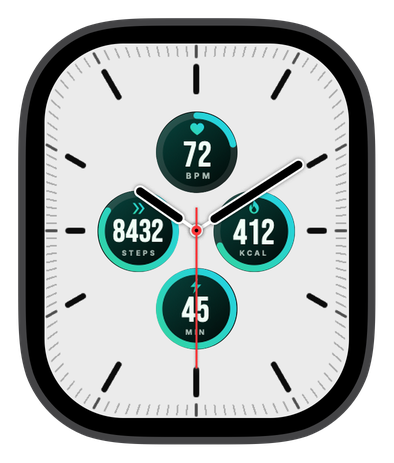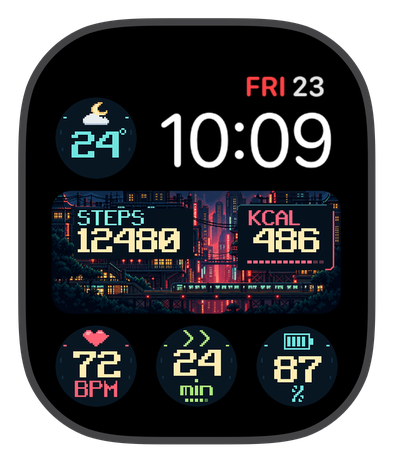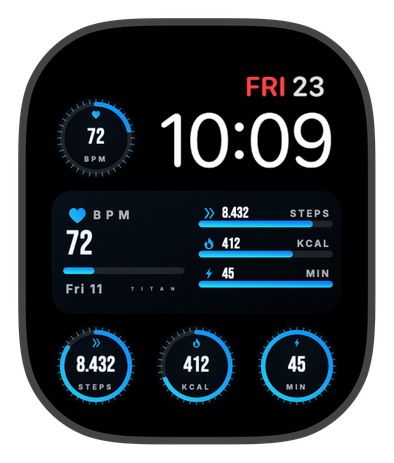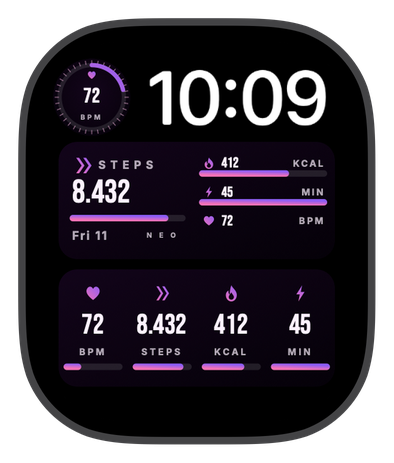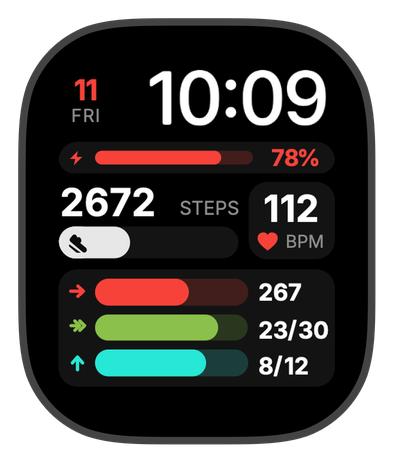
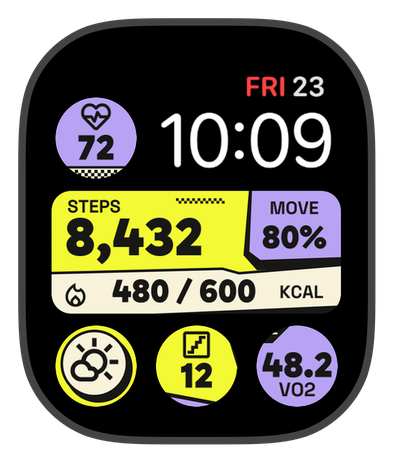
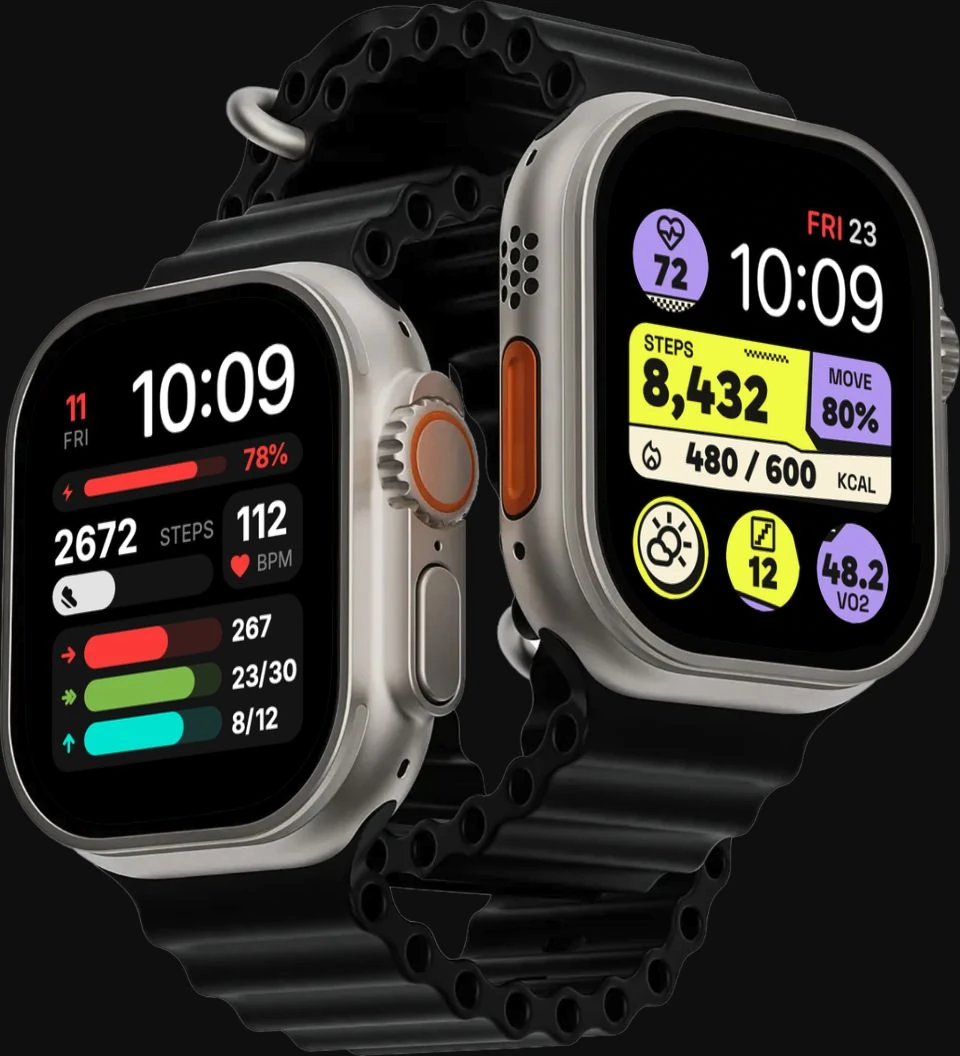
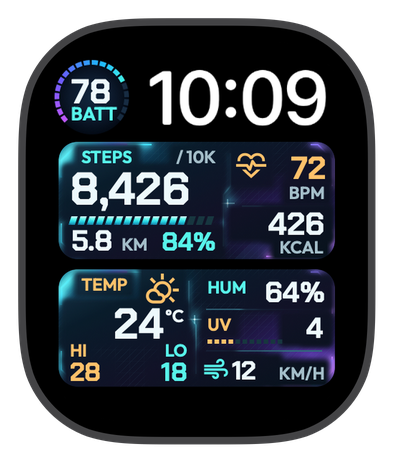
NEXUS DUO NEON
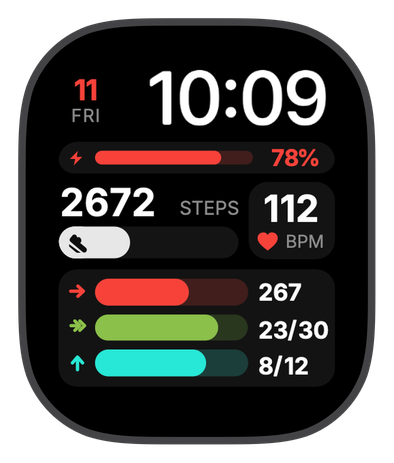
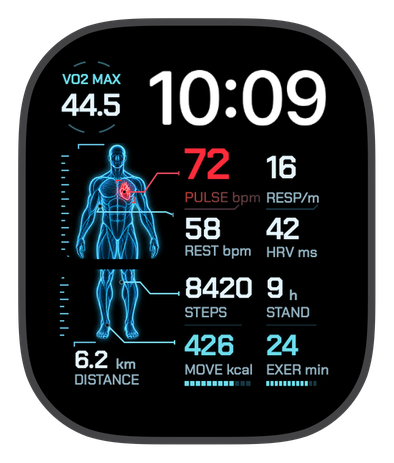
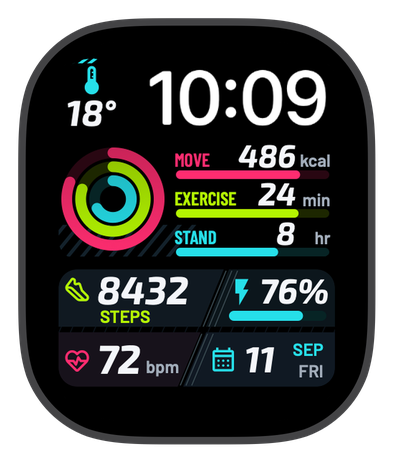
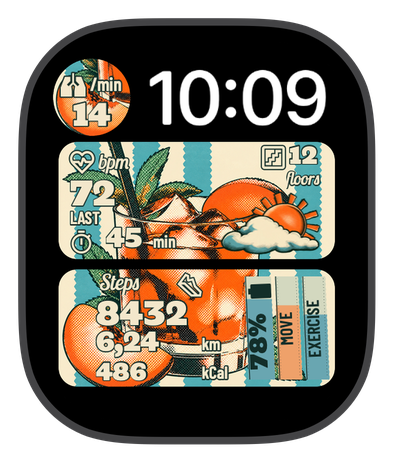
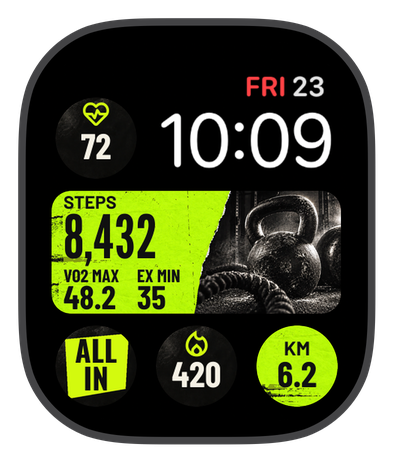
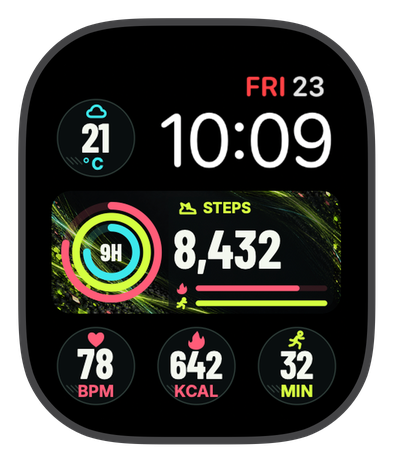
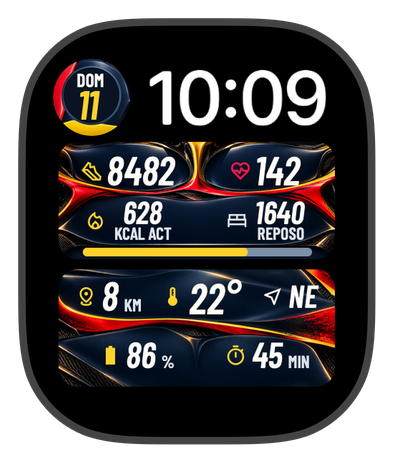
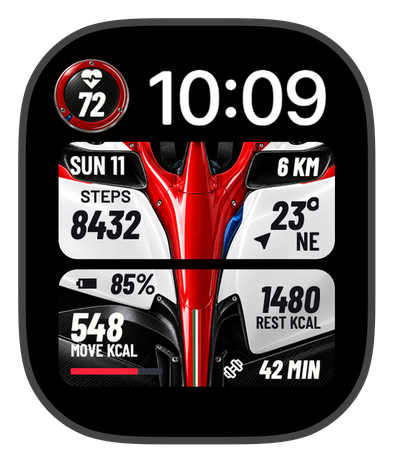
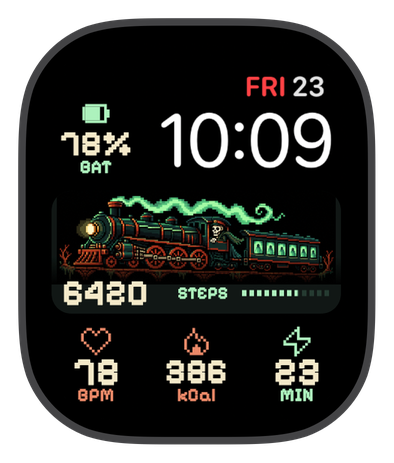
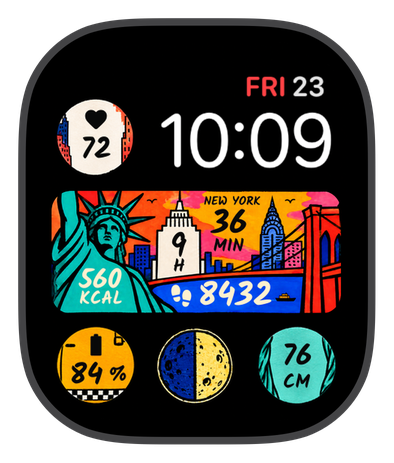
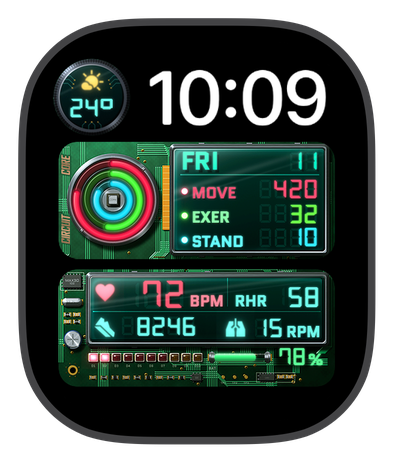
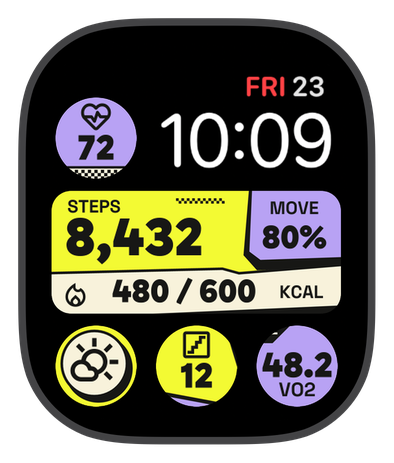
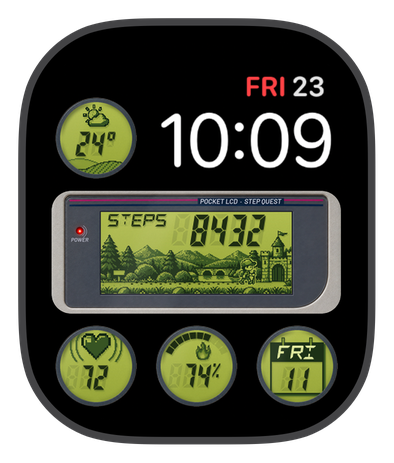
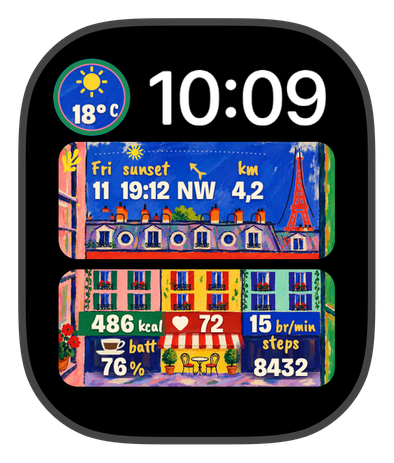
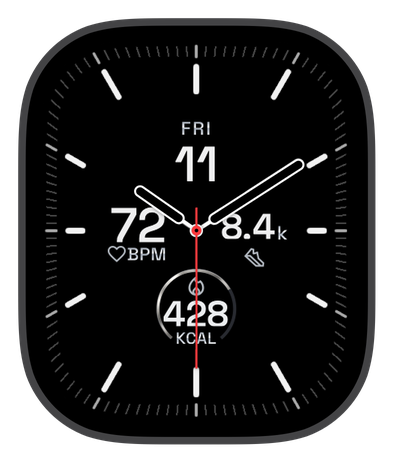
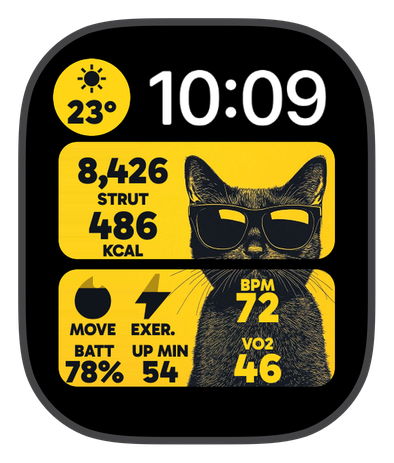
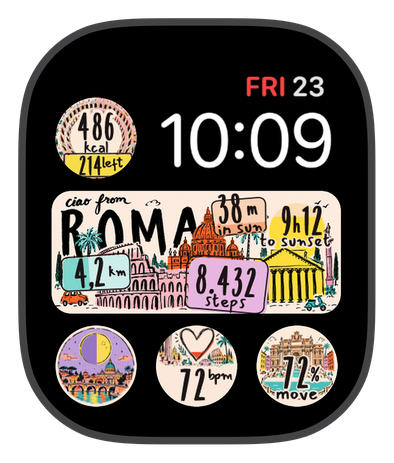
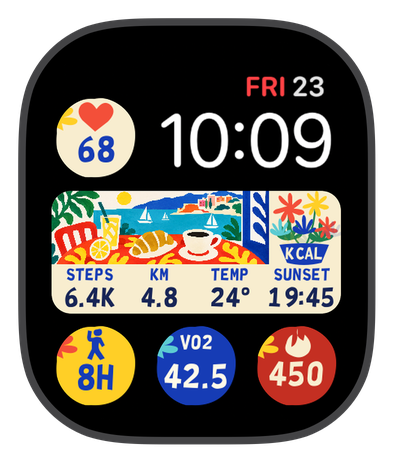
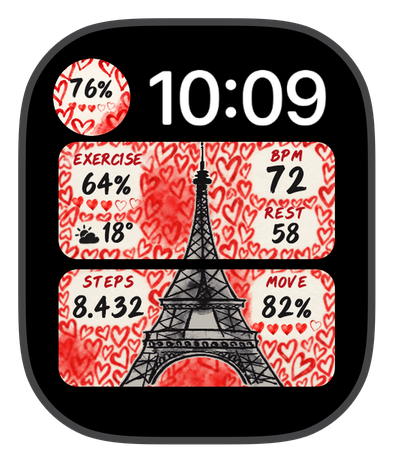
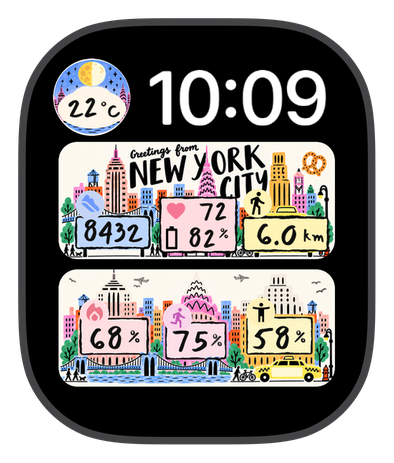
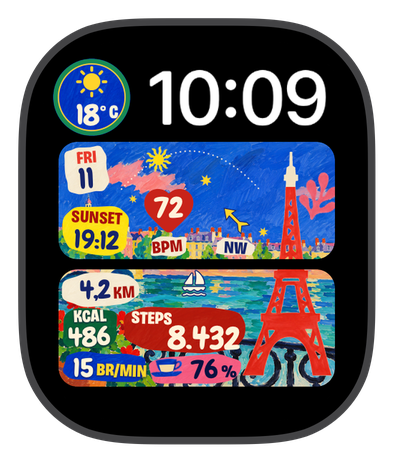
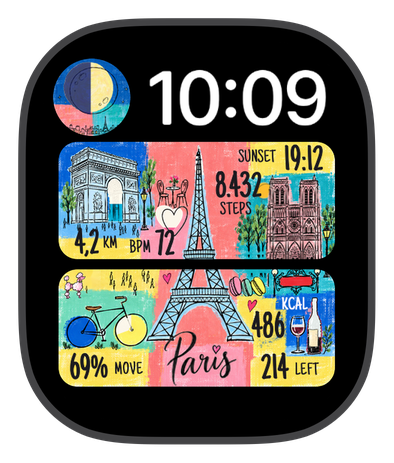
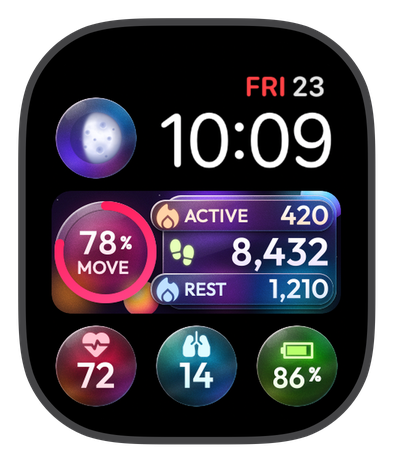
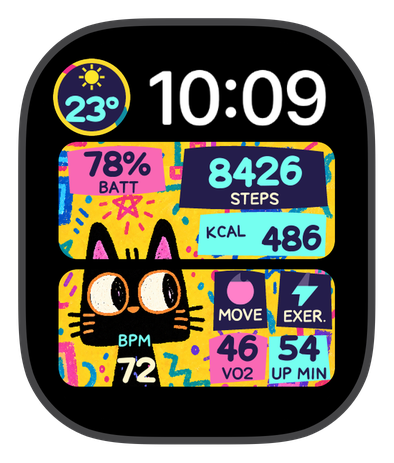
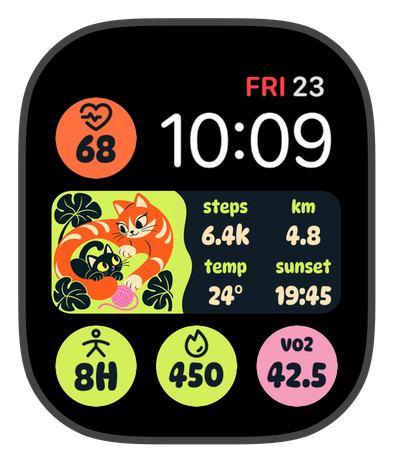
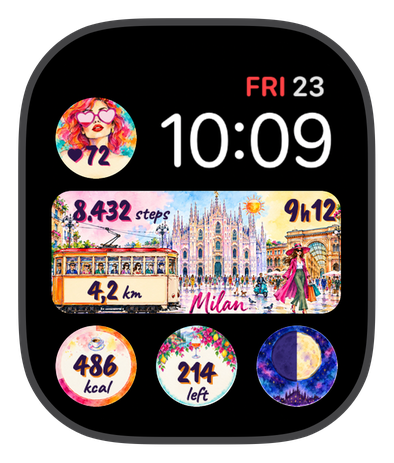
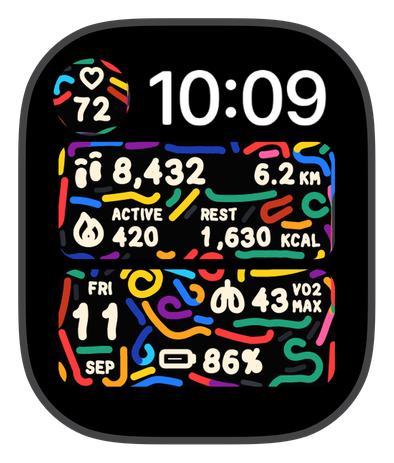
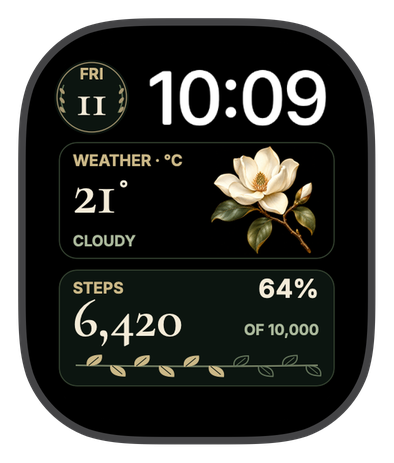
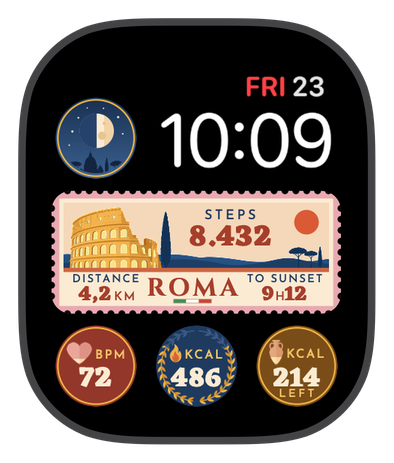
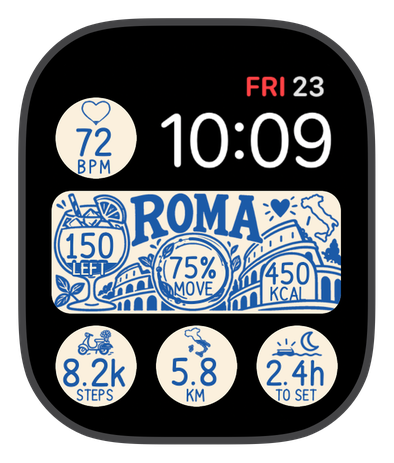
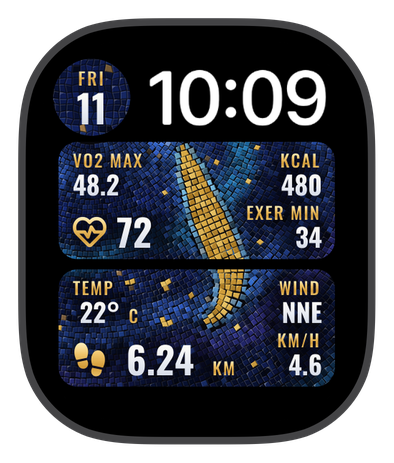
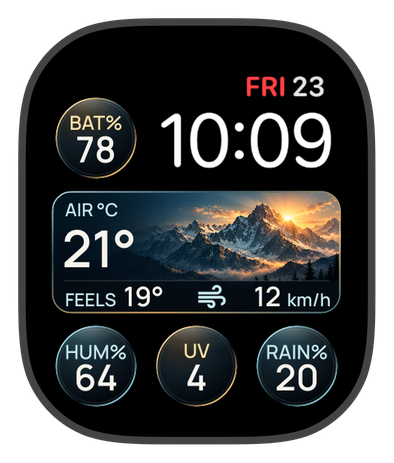
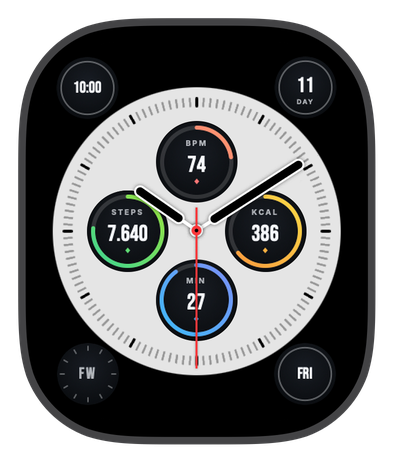
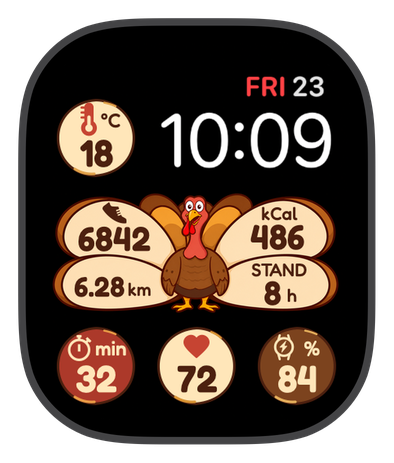
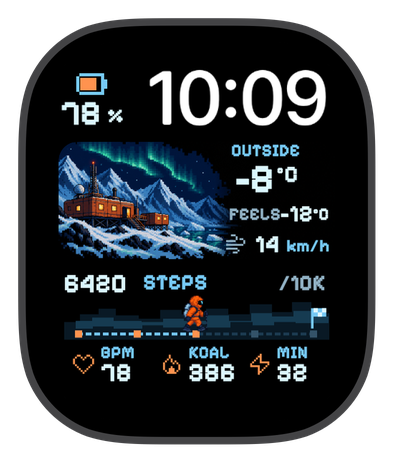
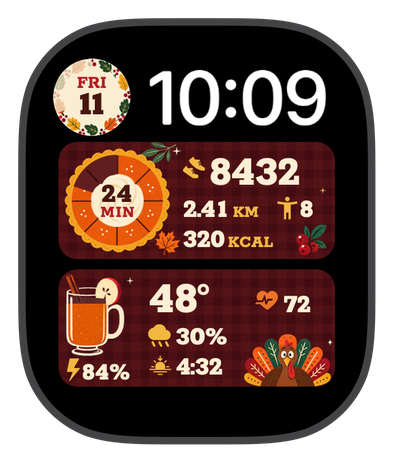
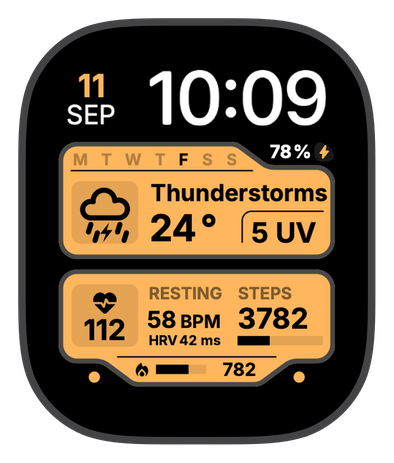
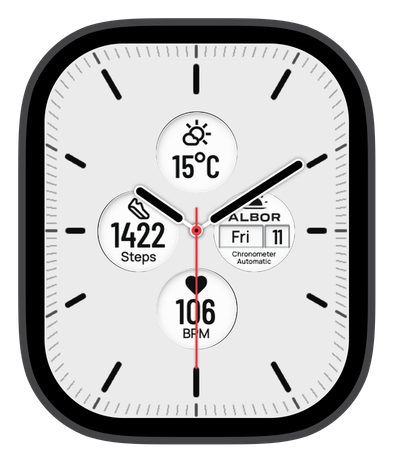
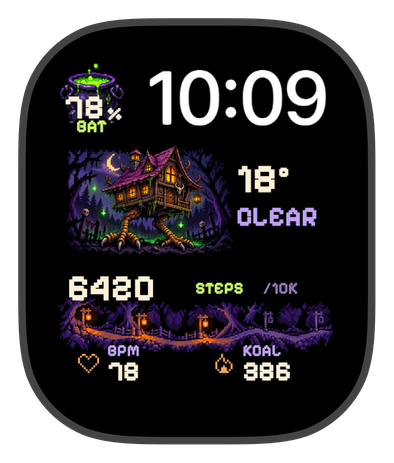
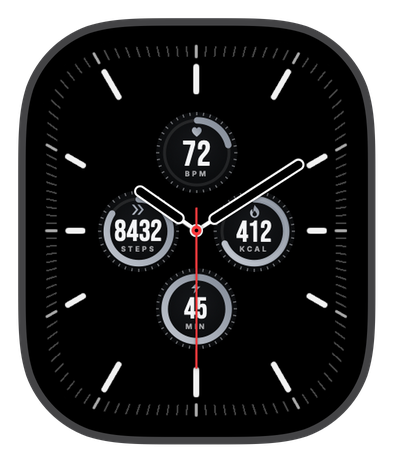
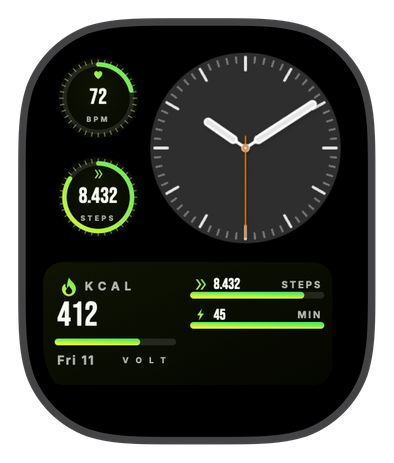
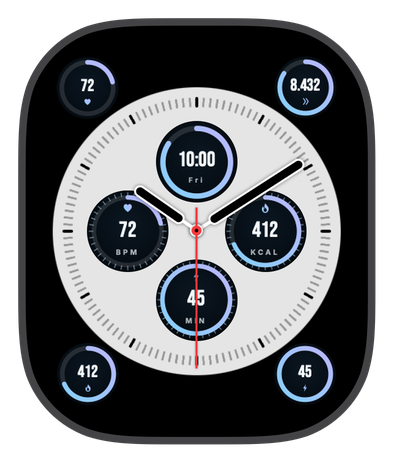
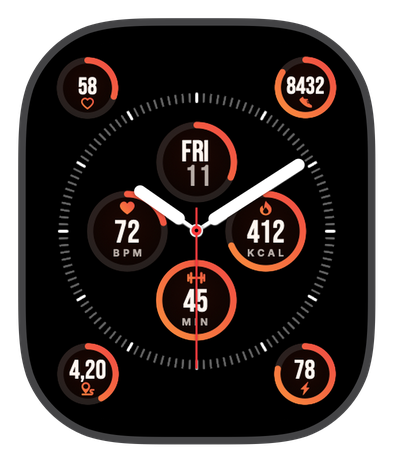
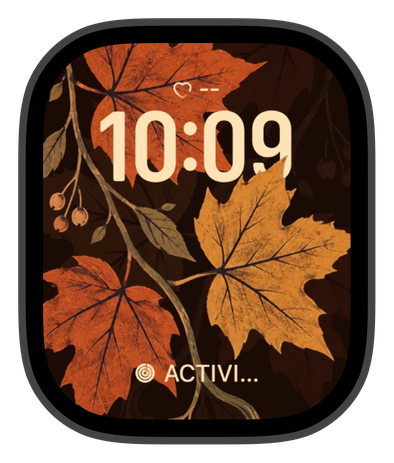
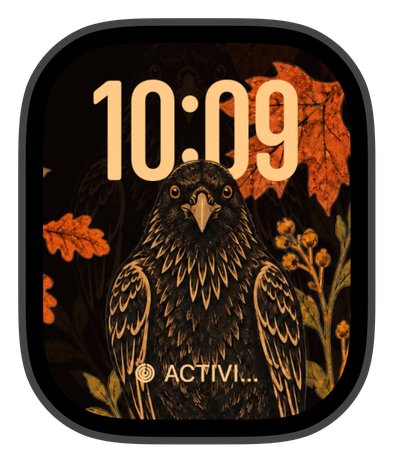
A curated collection for Apple Watch. Explore designs with health and activity data, or full-screen Photos faces. Installs in a few taps. No account.
Follow our step-by-step guide to install a Chronoix face on your Apple Watch.
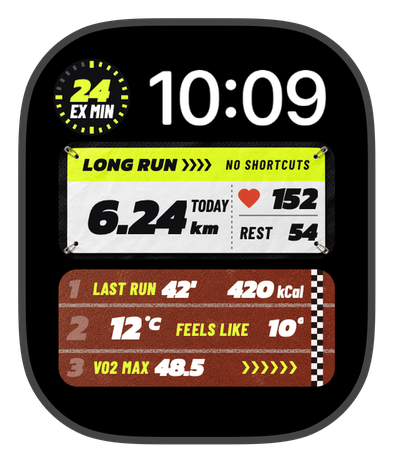
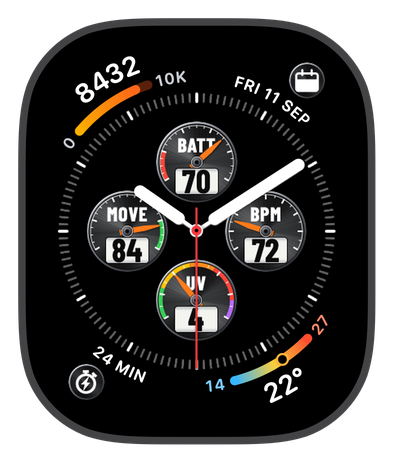
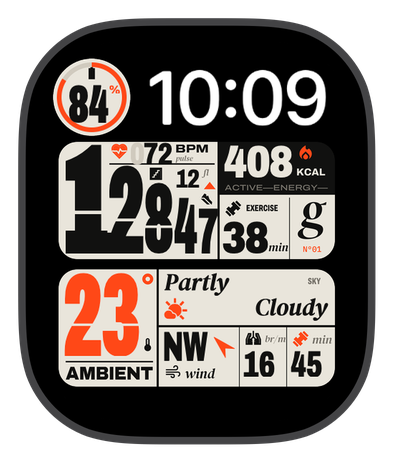
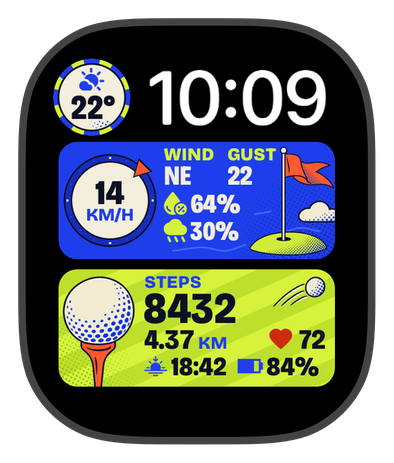
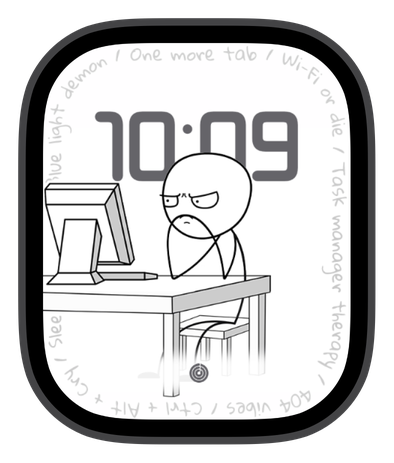
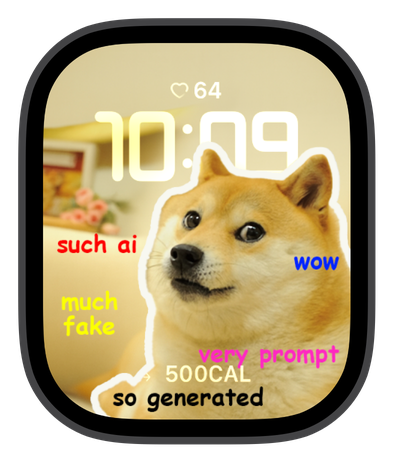
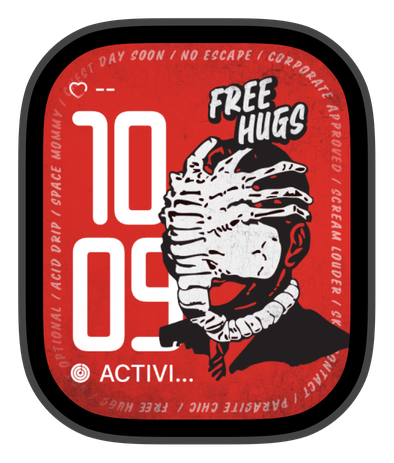
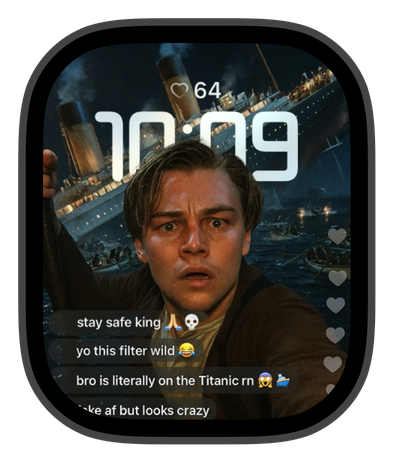
Start with a look: a classic analog dial, a digital instrument or artwork that fills the screen. Open any design to compare its details, features and compatibility. Individual faces are paid purchases; prices are shown in Chronoix.
New to Apple Watch? Learn how to change your watch face, add a design or use a photo.