Guide
Installation
Getting a dial onto your Apple Watch, and what to do when it doesn't go through.
Install a
watch face
Start at the top. Each block picks up where the previous one failed.
Before you start
- Your Apple Watch is paired with this iPhone and is the active one.
- Both devices are nearby, with Airplane Mode off.
- Bluetooth and Wi-Fi are on, and your iPhone has internet.
- Chronoix is installed on your Apple Watch.
How do I install a dial?
- Pick the dial you want in Chronoix on your iPhone.
- Tap Buy or Install.
- When Apple's sheet appears, tap Add to My Faces.
- Check the dial on your Apple Watch.
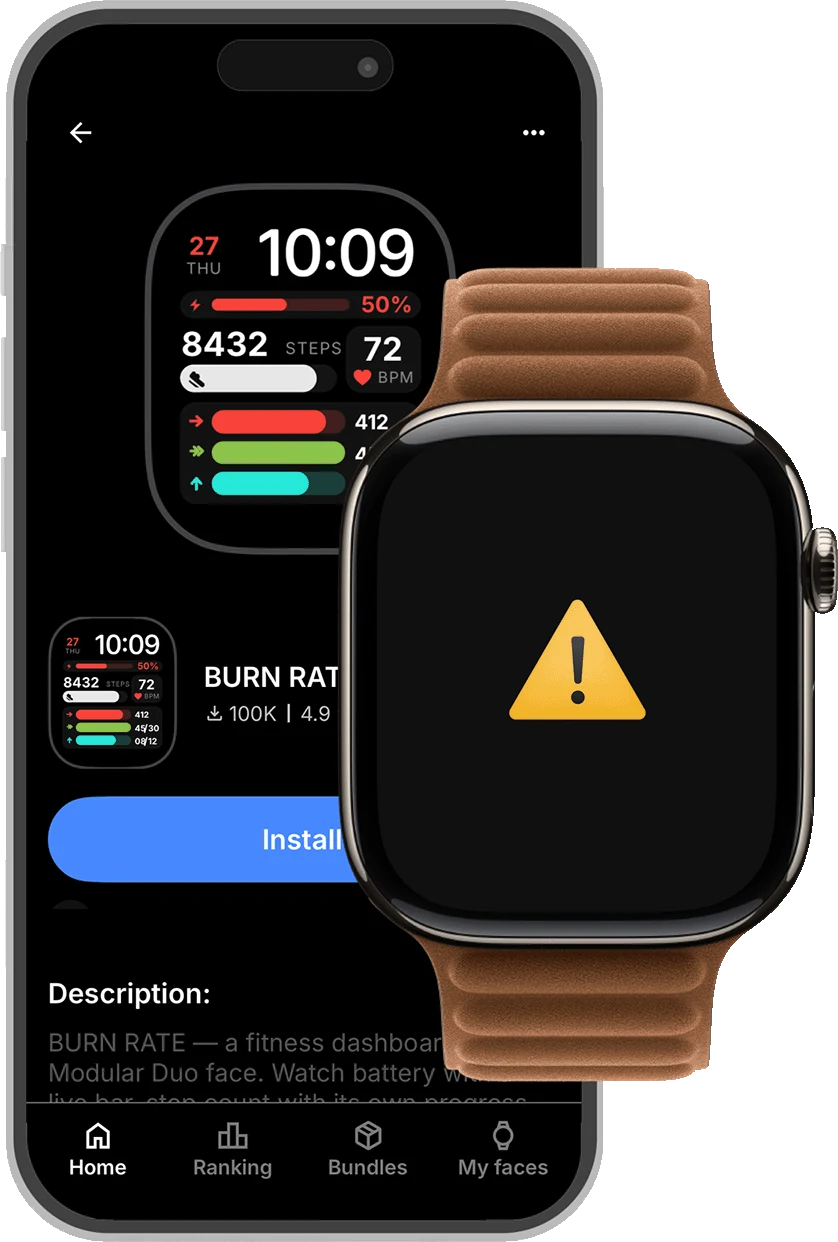
The dial installed, but the face is black
- Press the Digital Crown on your Apple Watch.
- Open Chronoix from the app list.
- Tap Refresh.
- Leave it open a few seconds — the complications turn on one by one.
- Go back to the watch face.
Still black after tapping Refresh
- Leave Chronoix open on your Apple Watch.
- Back on your iPhone, open the dial and tap Install again.
- Tap Add to My Faces.
- Give the complications a few seconds.
Install keeps loading and nothing happens
Use this when Apple's Add to My Faces sheet never appears.
- Open the App Switcher on your iPhone.
- Swipe Chronoix away to close it fully.
- Reopen it, open the dial, and tap Install.
A complication shows a dash
A dash means there is no value to show: Health access is off, or Apple Health has no recent reading for that category.
- On your iPhone, open Menu › Settings › Permissions.
- Tap Apple Health.
- If the button says Allow, tap it and pick the categories you want on your dial.
- If it says Open Health, tap it and follow the steps on that page.
- On your Apple Watch, open Chronoix and tap Refresh.
Chronoix isn't on my Apple Watch
- Open the Watch app on your iPhone.
- Tap My Watch and scroll to Available Apps.
- Find Chronoix and tap Install.
- Open it on your Apple Watch.
- Back on your iPhone, tap Install on the dial again.
Still
stuck?
Tell us what happened. It helps to include your Apple Watch model and which dial you were installing.