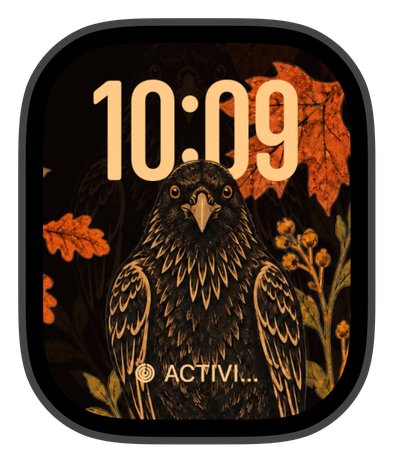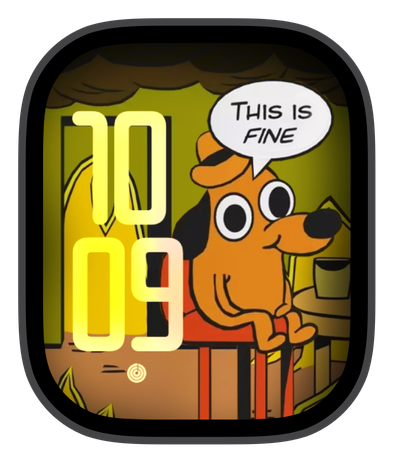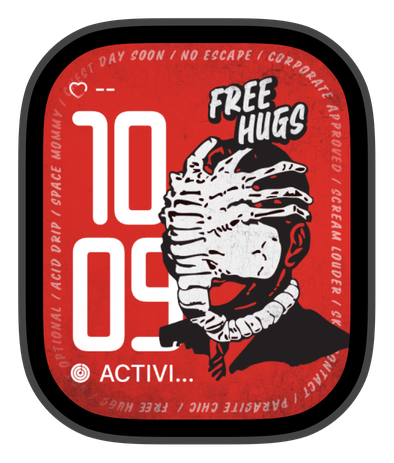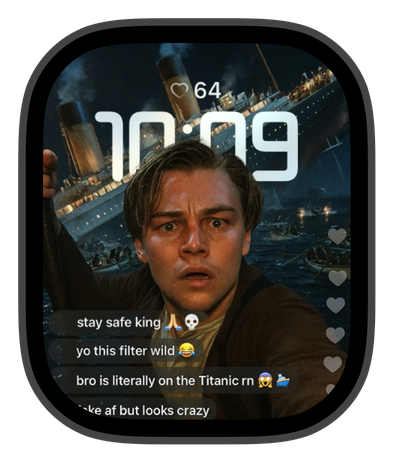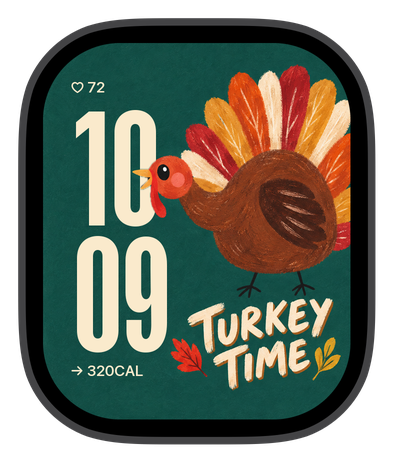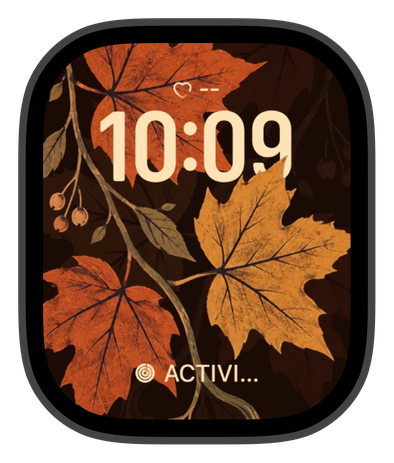
Fall2
Carry the warmth of autumn.
Rich leaves and a soft cream clock bring the season to your wrist, with depth that lets the scene frame the time.
Native Heart Rate and Activity keep your everyday essentials close.
Fall2 is an autumn watch face for the months when you reach for wool sweaters. The cream clock and leaves sit naturally beside a warm sleeve.
A small seasonal change, visible every time you check the hour.

Chronoix is free to download. Check the price of this face in the app before you buy.
On your watch face

Heart Rate
Your latest heart rate, in beats per minute. A small check-in with your body's rhythm.
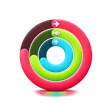
Activity
Move. Exercise. Stand. Your whole day's effort in one look.
Get Fall2 on your watch
New to Chronoix? Get it with the App Store button on this page. The first time you open it, tap Allow Paste if your iPhone asks, and Chronoix goes straight to Fall2.
- Tap Open in Chronoix on your iPhone, or download Chronoix first.
- Find Fall2 in the Wallpaper collection.
- Buy the face, then follow the installation steps in Chronoix.