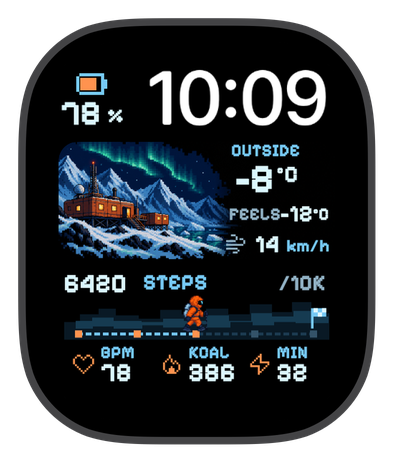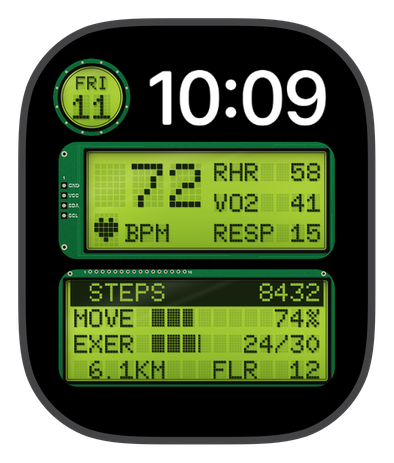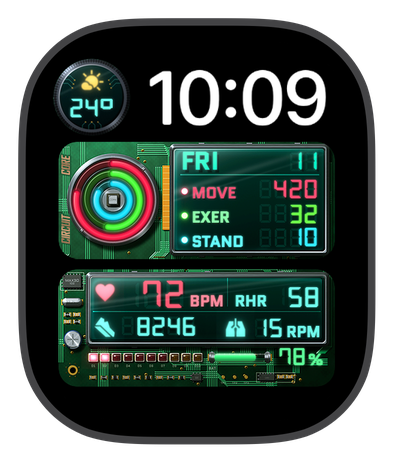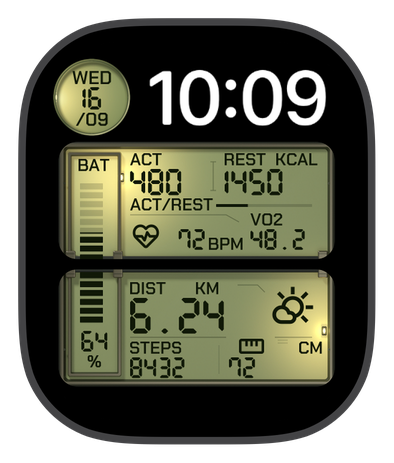
Pixel Quarter
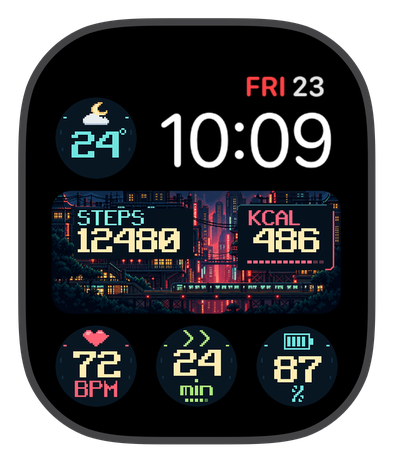
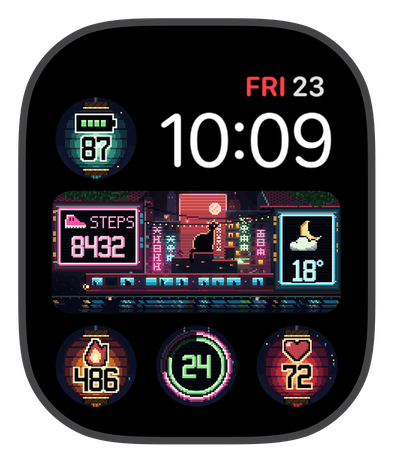
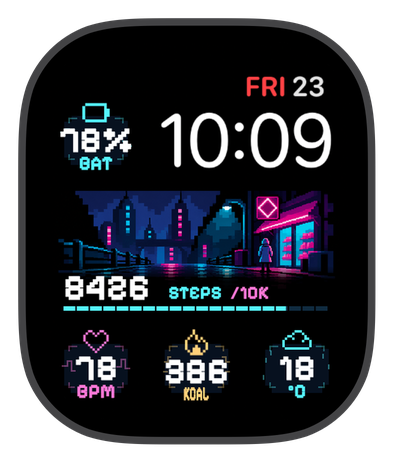
PIXEL QUARTER is a little city built from glowing blocks.
Blue streets, pink signs, windows still awake. Six pixel scenes follow the daylight between sunrise and sunset, then carry on through the night.
Your steps fill a segmented bar beneath the skyline.
One more block before home.
Pixel Quarter suits the long way home through a neighborhood you like. A lit window or a pink sign can be enough to make you pause.
Keep a little of that city atmosphere with you, even on the days spent at a desk.

Chronoix is free to download. Check the price of this face in the app before you buy.
On your watch face
Watch Battery
Your watch's charge at a glance. Make time for a top-up before you head out.

Move
Active energy and goals, in focus. Give your everyday moves momentum.

Heart Rate
Your latest heart rate, in beats per minute. A small check-in with your body's rhythm.

Steps
Your steps today, adding up. Little walks count. Let the next one start here.

Sunrise
See when the sun comes up. For early starts and moments worth waking up for.

Sunset
Know when the sun sets. Make a little space for the last light of the day.

Temperature
A little temperature perspective. Dress for the day, whatever it brings.
Get Pixel Quarter on your watch
New to Chronoix? Get it with the App Store button on this page. The first time you open it, tap Allow Paste if your iPhone asks, and Chronoix goes straight to Pixel Quarter.
- Tap Open in Chronoix on your iPhone, or download Chronoix first.
- Find Pixel Quarter in the Mix collection.
- Buy the face, then follow the installation steps in Chronoix.