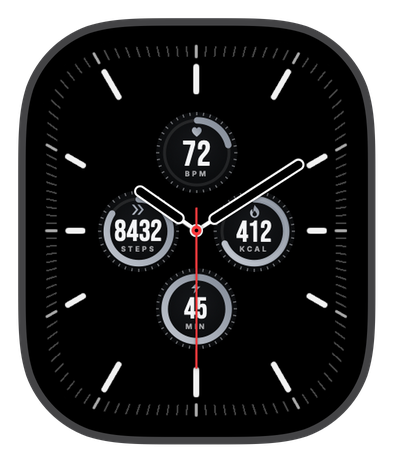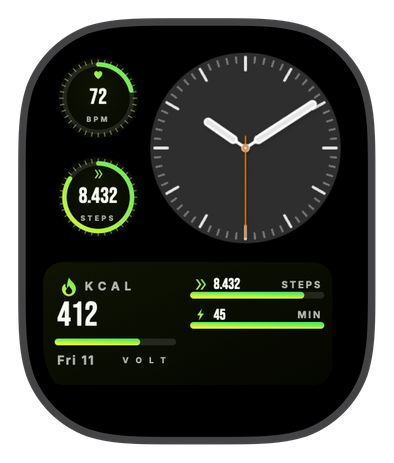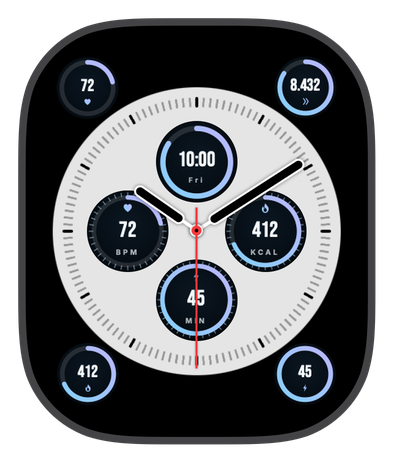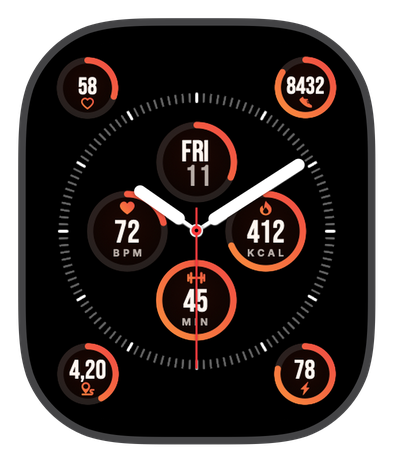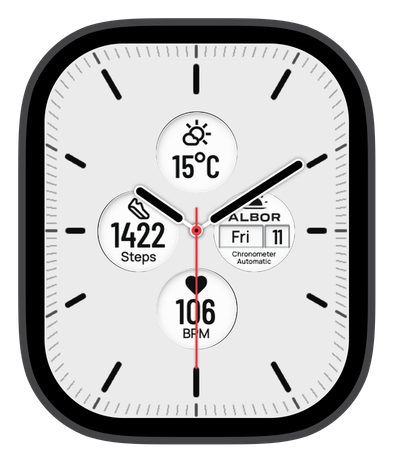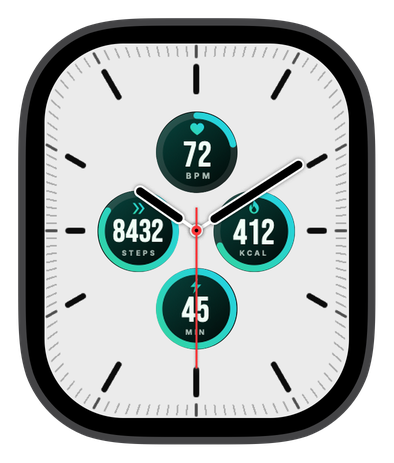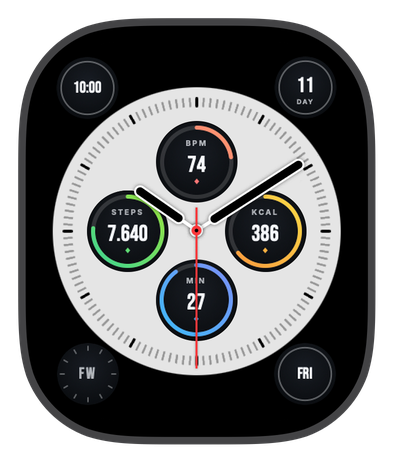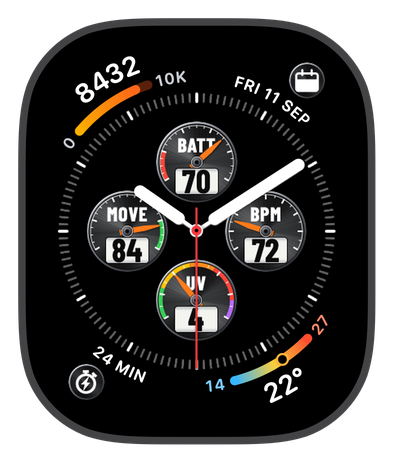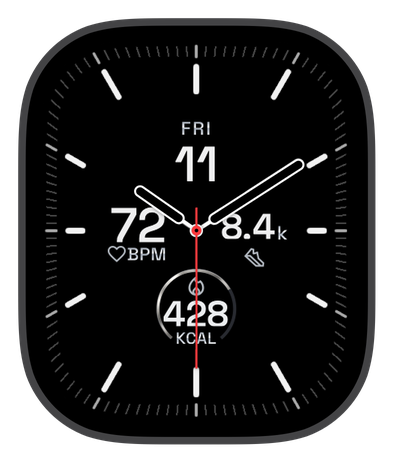
Noir
NOIR pairs a black dial with silver lettering and a fine arc of platinum.
Late dinner. Dark sleeves. A table by the window.
Your steps keep count of the long way there. The arc traces your Move goal as active calories accumulate.
White numerals hold their place.
A little light at the edge of black.
Noir is for the person who notices the finish of a button or the edge of a cuff. Silver against black gives that attention somewhere to rest.
A restrained choice for an evening watch face. There is pleasure in knowing exactly how much detail you want.

Chronoix is free to download. Check the price of this face in the app before you buy.
On your watch face

Move
Active energy and goals, in focus. Give your everyday moves momentum.

Heart Rate
Your latest heart rate, in beats per minute. A small check-in with your body's rhythm.

Move Ring
Your active calories against your goal. One more move. One step closer to closing.

Steps
Your steps today, adding up. Little walks count. Let the next one start here.

Date
Day and date, right where you look. Your week, under control.
Get Noir on your watch
New to Chronoix? Get it with the App Store button on this page. The first time you open it, tap Allow Paste if your iPhone asks, and Chronoix goes straight to Noir.
- Tap Open in Chronoix on your iPhone, or download Chronoix first.
- Find Noir in the Mix collection.
- Buy the face, then follow the installation steps in Chronoix.