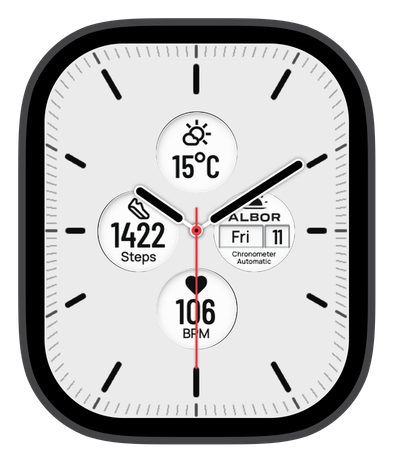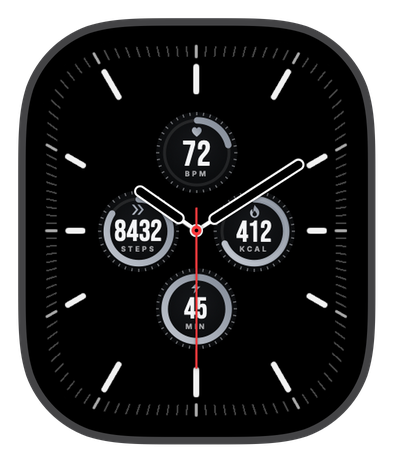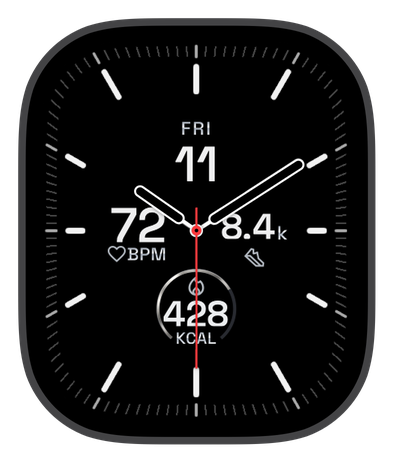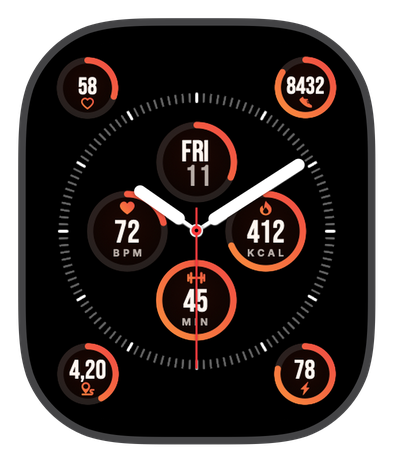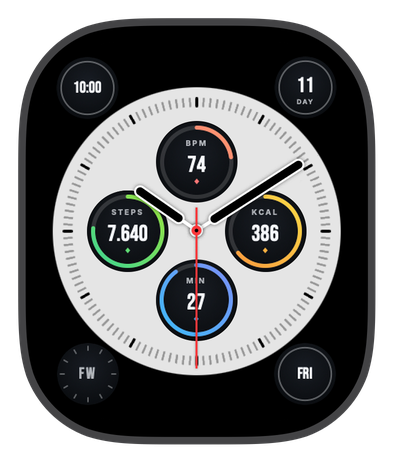
Porcelain
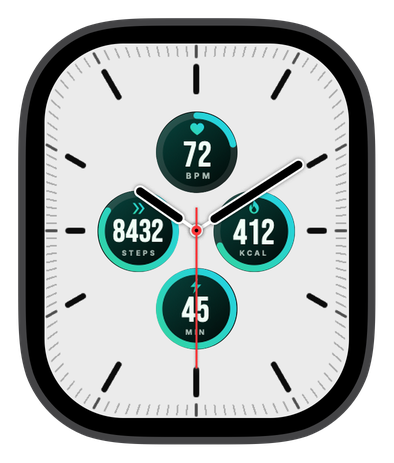
The calm of a white porcelain dial, with your day in color.
Four carbon windows under the hands hold heart rate, steps, calories and exercise minutes, each with its own colored gauge. Time, date and weekday wait in the corners.
Dressed for dinner, ready for the gym.
Porcelain pairs naturally with a pressed shirt, then carries its sporting detail into the rest of the day. The white dial gives those dark windows room to stand out.
For the person who chooses the watch as carefully as the cuff around it.

Chronoix is free to download. Check the price of this face in the app before you buy.
On your watch face

Move
Active energy and goals, in focus. Give your everyday moves momentum.

Exercise
A little focus for your exercise. Make time to move toward your daily goal.

Heart Rate
Your latest heart rate, in beats per minute. A small check-in with your body's rhythm.

Steps
Your steps today, adding up. Little walks count. Let the next one start here.
Get Porcelain on your watch
New to Chronoix? Get it with the App Store button on this page. The first time you open it, tap Allow Paste if your iPhone asks, and Chronoix goes straight to Porcelain.
- Tap Open in Chronoix on your iPhone, or download Chronoix first.
- Find Porcelain in the Full Data collection.
- Buy the face, then follow the installation steps in Chronoix.