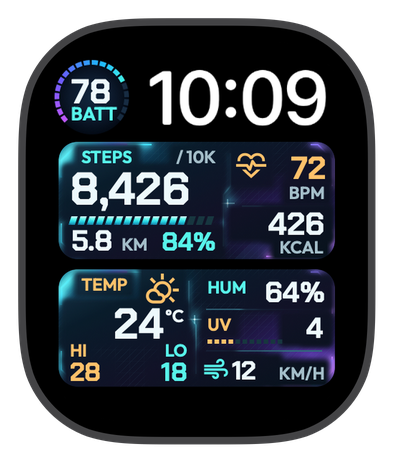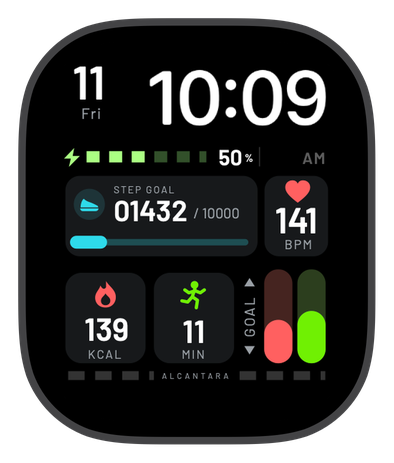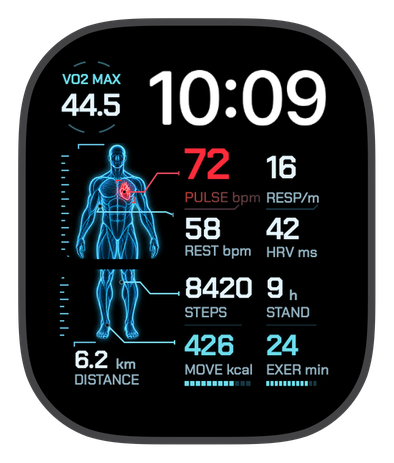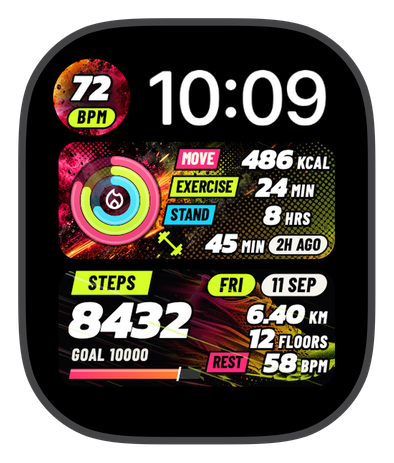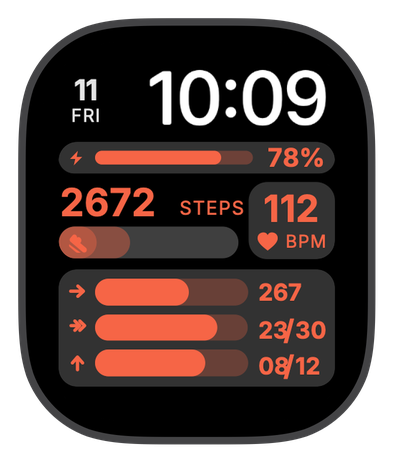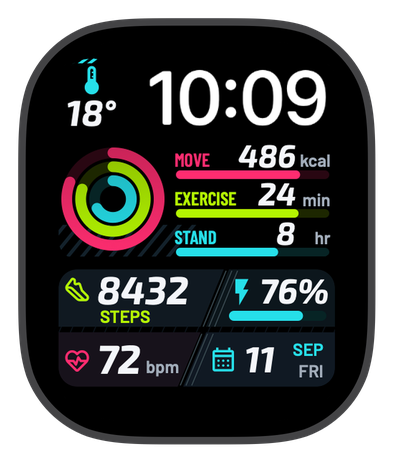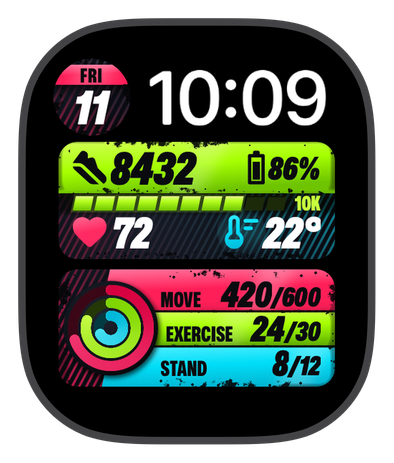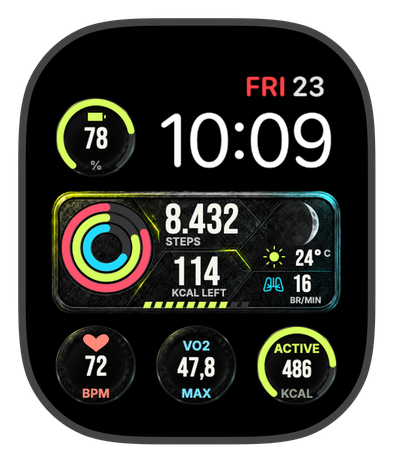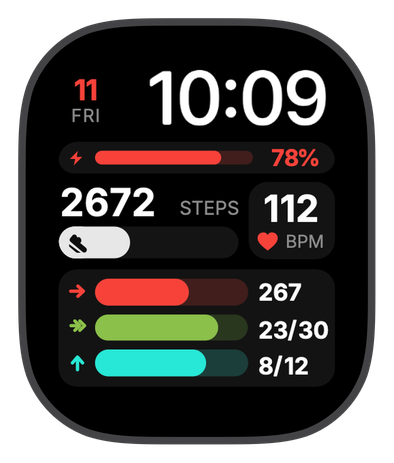
Pulse Bars
PULSE BARS puts your effort in plain sight. Bold numbers. Strong color. Activity bars built around your Move, Exercise and Stand goals.
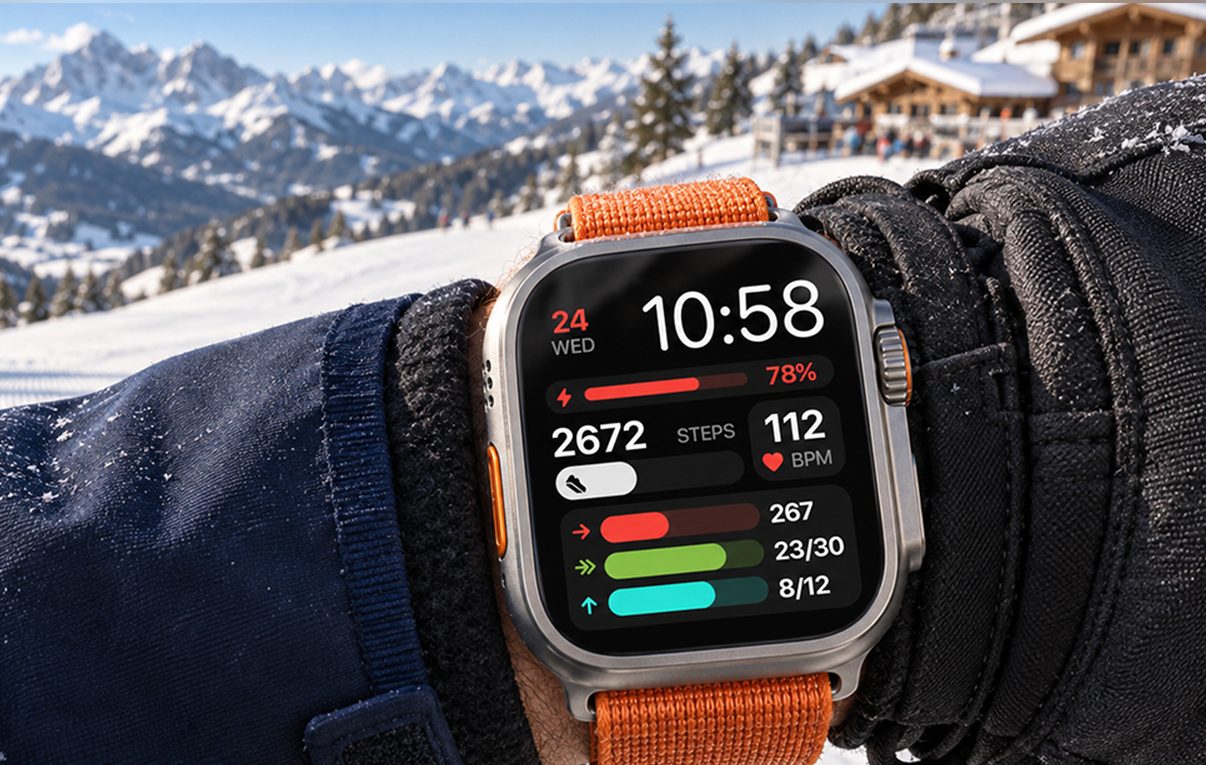
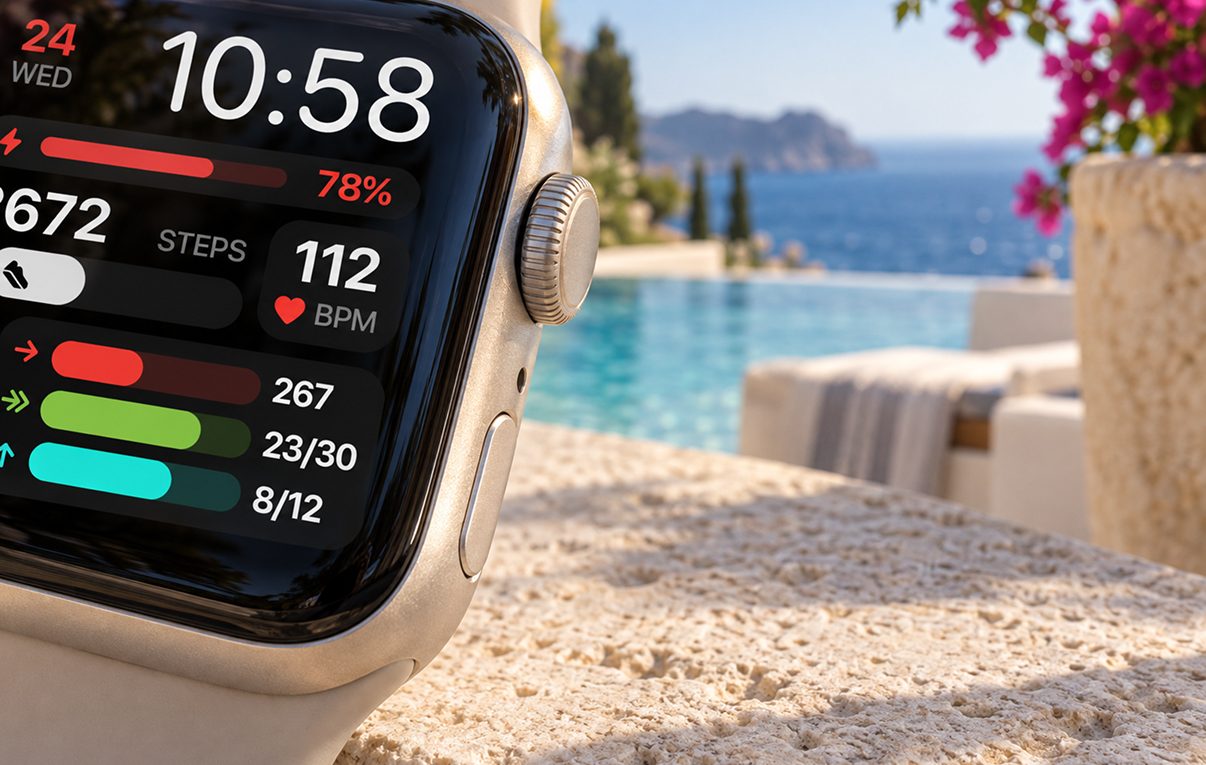
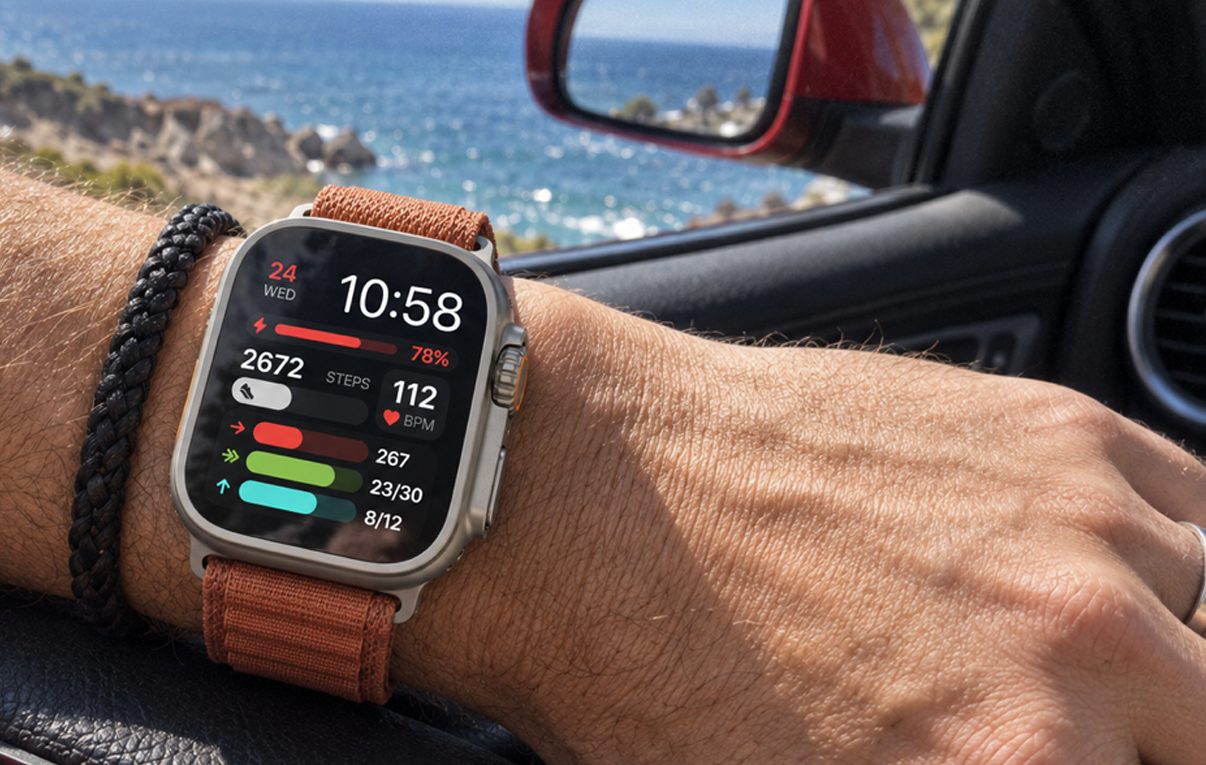
A glance between sets. Another before you call it a day. Steps, heart rate and daily progress, with the presence to match.
You know what those numbers took. There’s a certain satisfaction in wearing them this well.
Pulse Bars has the presence to hold its own beside your brightest training gear. That bold activity display looks just as deliberate under a plain sleeve.
You gave some thought to the shoes, the jacket and the watch. The face deserves the same attention.

Chronoix is free to download. Check the price of this face in the app before you buy.
On your watch face
Watch Battery
Your watch's charge at a glance. Make time for a top-up before you head out.

Move
Active energy and goals, in focus. Give your everyday moves momentum.
Exercise
A little focus for your exercise. Make time to move toward your daily goal.

Heart Rate
Your latest heart rate, in beats per minute. A small check-in with your body's rhythm.
Move Ring
Your active calories against your goal. One more move. One step closer to closing.
Steps
Your steps today, adding up. Little walks count. Let the next one start here.

Date
Day and date, right where you look. Your week, under control.

Exercise Ring
Your exercise goal, minute by minute. Green means you showed up.
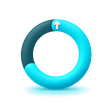
Stand Ring
Your stand goal, hour by hour. Even on the busiest days.

Stand
Your time on your feet. Long day at the desk? Make room to move.
Get Pulse Bars on your watch
New to Chronoix? Get it with the App Store button on this page. The first time you open it, tap Allow Paste if your iPhone asks, and Chronoix goes straight to Pulse Bars.
- Tap Open in Chronoix on your iPhone, or download Chronoix first.
- Find Pulse Bars in the Fitness collection.
- Buy the face, then follow the installation steps in Chronoix.